Debugging lambdas in Visual Studio is simple (but tricky).
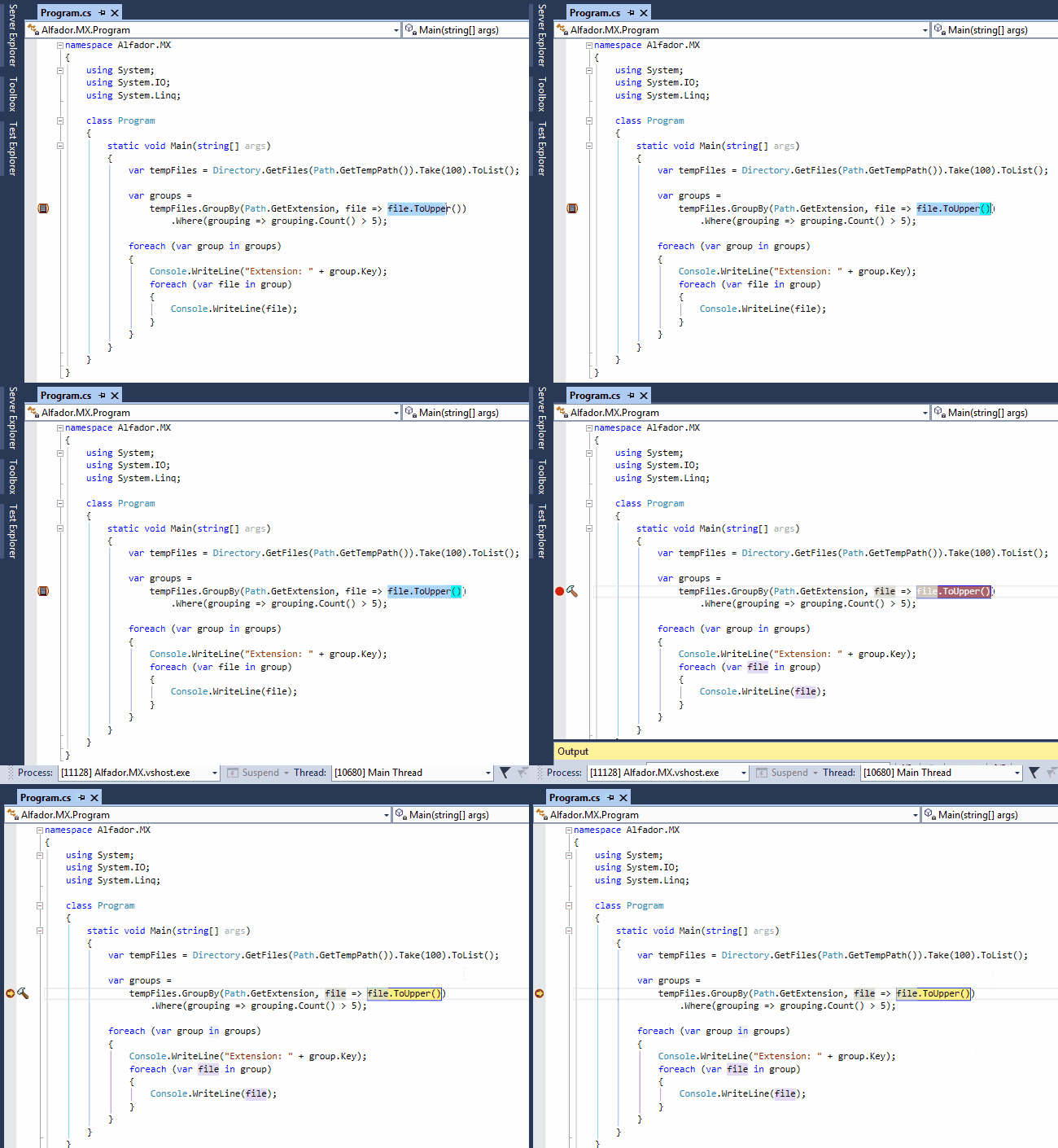
You just have to select the code of the lamda content you want to debug and press F9. An alternative to it is right click on the code (after selection) and then choose from the drop down menu the options to add a breakpoint in the location.
Below a demostration:
Happy debugging!


